Zero the readings of the Table screen
Set the seed and fertilizer counters of the Table screen to zero — for a new field or a new seed lot — without touching the field statistics.
The Table screen keeps counting from the moment its readings were last zeroed. Zero them when you start a new field or a new seed lot, so that the counters and deviations describe only the new work.
Open the Table screen: “HOME” on the home screen.
Press “MENU”, or tap the screen with two fingers. The panel asks “Zero readings?”.
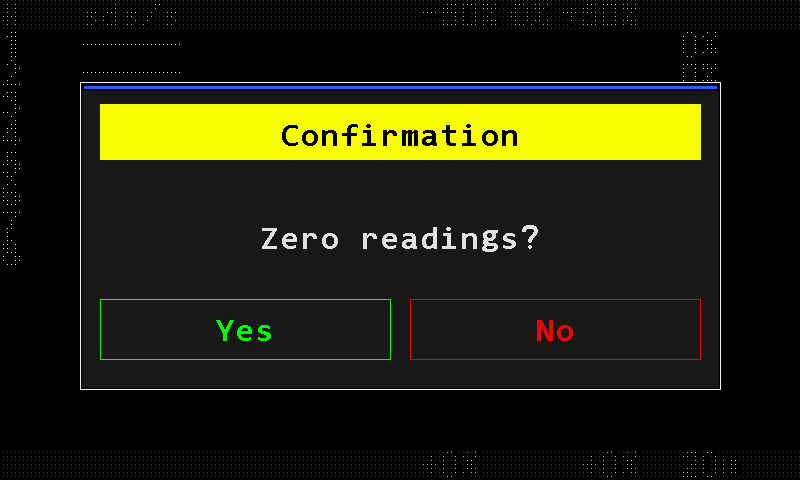
The question before zeroing: Yes in green, No in red. Touch “Yes”, or press “PLUS”. The counters of every seed, dry fertilizer and liquid fertilizer sensor are set to zero.
“No”, “MINUS” or “BACK” leaves everything as it was.
Only the counters of the Table screen are zeroed. The field statistics are not touched; they are erased with “Zero statistics” in the menu of the Statistics screen.
Something your machine does that this page does not answer? Write to support@agriwelt.com — an engineer answers.