Calibrate the dispenser rotation
Turn the drive wheel and the dispenser shaft together so that the panel learns how many shaft pulses belong to one wheel pulse.
This calibration teaches the panel how many dispenser shaft pulses belong to one wheel pulse, so that it can tell a stopped shaft from a moving machine. It is the basis of “Rotation speed control” of the dispenser sensor (Dispenser sensor). It writes “Wheel, pulses” and “Dispenser pulses”.
Before you start: the speed sensor and every dispenser taking part must be under control and answering. You need the “Agronomist” level (Enable the Agronomist level).
Open “Settings” → “Seeding machine parameters” → “Dispenser calibration”. Set the number of the dispenser with “PLUS” / “MINUS” — or 0 for all of them at once — and press “MENU”. The panel shows “Calibration” and a progress bar.
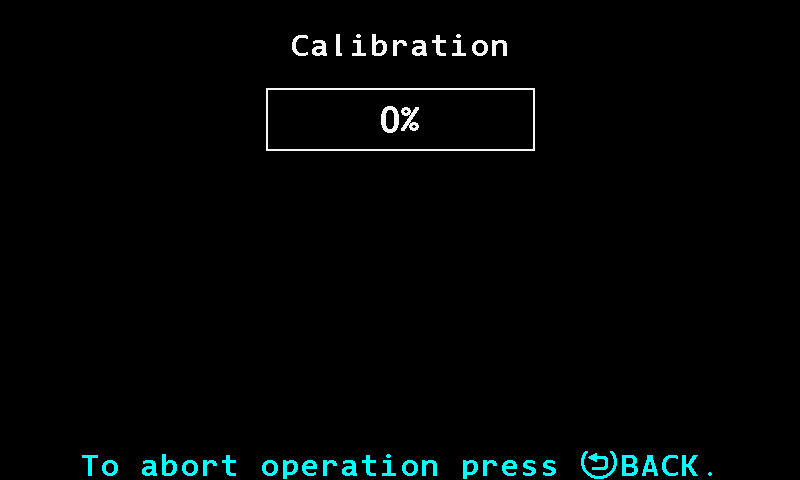
The progress bar of the dispenser calibration. Turn the drive wheel and the dispenser shaft together — by hand, or by moving the machine. The bar fills as the counters rise.
Keep turning until the bar reaches 100 %. That happens when the speed sensor and every dispenser taking part have each given at least 100 pulses. The bar follows whichever is furthest behind — a dispenser that does not turn holds it at zero.
At 100 % the panel beeps once and shows “Stop rotation!”. Stop everything.
The panel waits until no counter has changed for two seconds, then writes the result and shows “Done”.
“To abort operation press BACK.” stands at the bottom of the screen; “BACK” stops the calibration at any moment.
If any sensor taking part is out of control or does not answer, the calibration ends with “Sensor not controlled! Calibration canceled!” or “Connection lost with the sensor! Calibration canceled!”.
Something your machine does that this page does not answer? Write to support@agriwelt.com — an engineer answers.