Set the screen brightness
Make the screen brighter, dimmer or automatic — one item in the Settings menu.
On the home screen press “MENU”, select “Settings” and press “MENU”.
“Brightness,%” is the first item. Change it with “PLUS” and “MINUS”, from 0 to 100 in steps of 10.
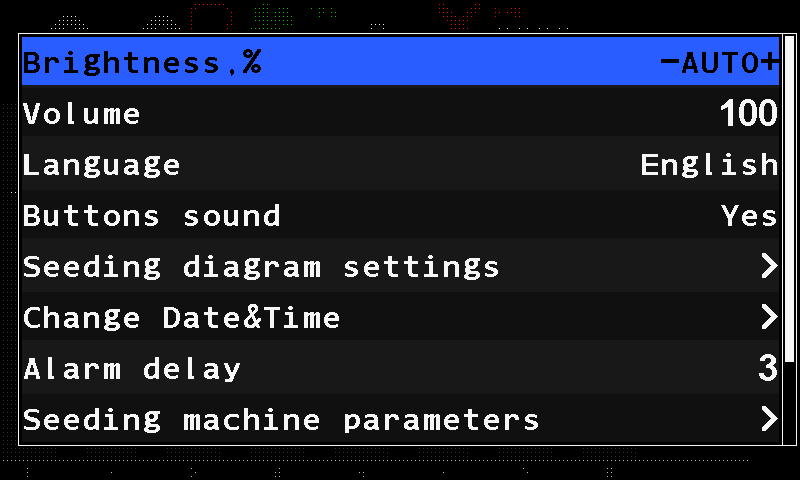
The Settings menu with Brightness,% selected and set to AUTO. Press “BACK” to leave the menu. The new brightness stays in force.
0 means automatic — the menu shows “AUTO”. The panel measures the light in the cab and sets the screen itself: bright in the sun, dim at night. Any other value fixes the screen at that percentage.
The button backlight always follows the screen: when the screen dims, the buttons dim with it.
Everything else in the Settings menu: The Settings menu.
Something your machine does that this page does not answer? Write to support@agriwelt.com — an engineer answers.