Calibrate the speed sensor
Drive a marked 100 m so that the panel corrects the factor of the travel speed sensor.
The calibration measures a known distance and corrects “Factor, %” of the speed sensor so that the panel's distance matches it. Before you start, set “Pulses” and “Diameter, cm” of the sensor (Travel speed sensor) — the calibration corrects the distance per turn; it cannot invent the pulses.
There are two ways in:
- “Settings” → “Seeding machine parameters” → “Speed calibration” — at the “Agronomist” level (Enable the Agronomist level);
- “Speed calibration” in the context menu of the speed sensor, while the machine stands still. At the “Operator” level the panel first asks for the PIN of the Agronomist level; at the “Agronomist” level it asks “Are you sure?” — tap “Yes”.
Mark out 100 m on level ground and put the machine at the start.
Tap “Speed calibration”, and tap it again; coming from the context menu, answer the PIN or the question first. The panel shows “Pass 100m and press STOP” with a single “STOP” button.
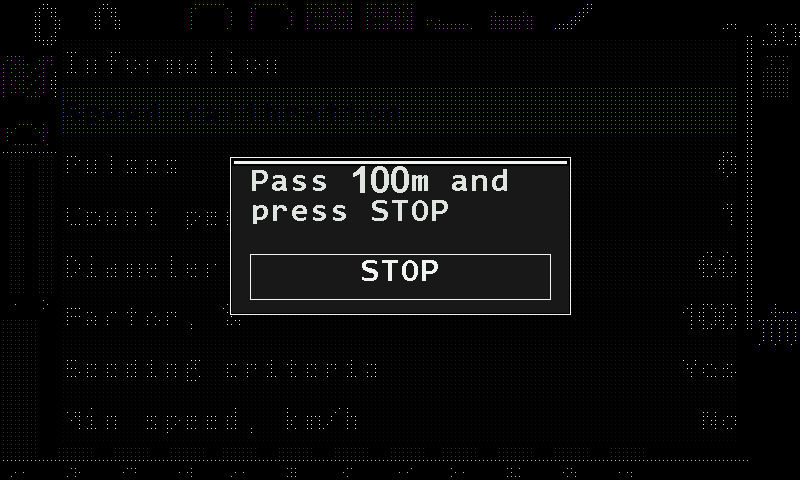
The speed calibration window. Drive the marked distance and stop at the end.
Tap “STOP”. The panel shows “Done” and closes the window by itself.
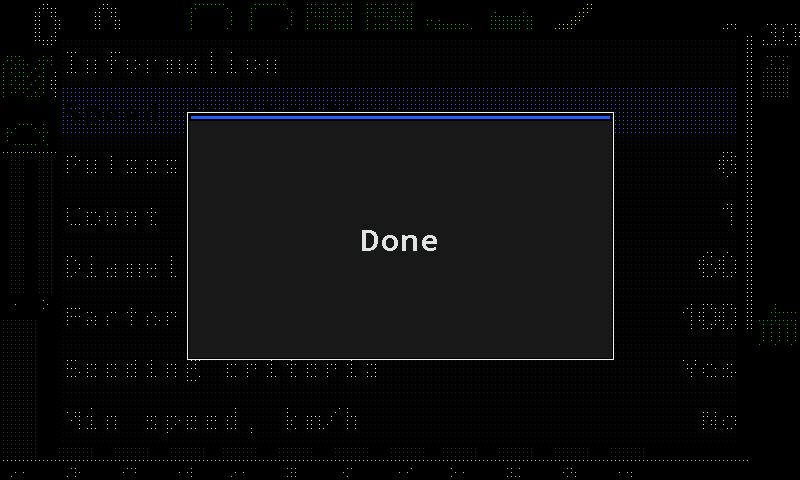
The panel confirms the calibration.
The distance is fixed at 100 m; the panel does not ask for it. It waits half a second after “STOP” before reading the counter and checks the connection once more in that moment — a sensor that drops out on the last metre is reported as a lost connection, not as a bad result.
When it does not work
| The panel shows | Meaning |
|---|---|
| “No speed sensor” | The profile has no speed sensor. The calibration does not start. |
| “Connection lost with the sensor! Calibration canceled!” | The sensor does not answer. |
| “Sensor not controlled! Calibration canceled!” | The sensor is out of control. Take it into control (Take a sensor into or out of control). |
| “FAILURE! The tractor did not move!” | The counter did not move: the sensor gave no pulses at all — not an inaccurate reading, none. Check the sensor and its cable. |
| “Calibration canceled!” | The window was closed some other way than with “STOP”. Nothing has changed. |
Something your machine does that this page does not answer? Write to support@agriwelt.com — an engineer answers.