Save and load settings
Keep a copy of the settings inside the panel and bring it back, and write the profile to a memory card.
The panel can keep a copy of its settings and bring it back later — useful before you try something out. With a memory card in the slot it can also write the profile to the card. All these items are at the end of the “Profile” menu (The profile) and need the “Agronomist” level.
| Item in the “Profile” menu | What it does |
|---|---|
| “Save settings” | Keeps a copy of the current settings inside the panel. |
| “Load settings” | Brings that copy back. |
| “Save to SD-card” | Writes the profile to the memory card. Shown only while a card is in the slot and ready. |
| “Load from SD-card” | Shows the list of the profiles on the card. Shown only while a card is ready. |
| “Save factory defaults” | Stores the current settings as the factory values. “Service” level only. |
Keep and restore the settings
Raise the level (Enable the Agronomist level), tap the home screen with two fingers and open “Service” → “Profile” — tap each item twice.
Swipe up to the end of the menu. Tap “Save settings” or “Load settings”, and tap it again. The panel asks “Are you sure?”.
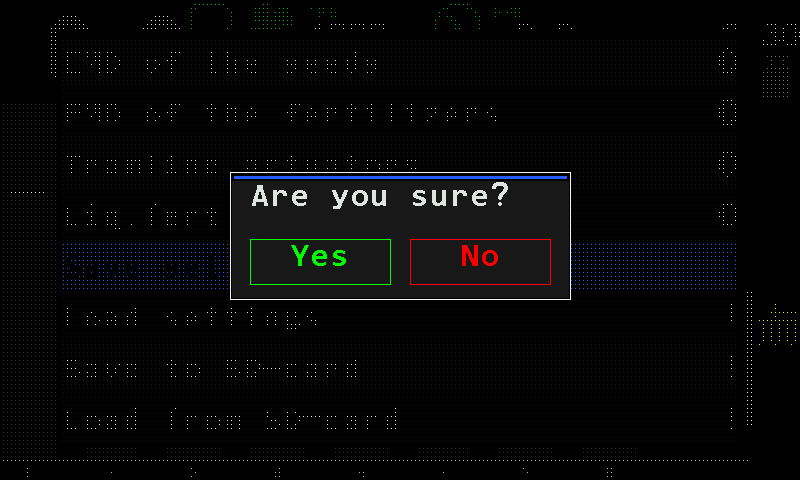
The question before the settings are saved. Tap “Yes”. The panel answers “Saved” or “Loaded”.
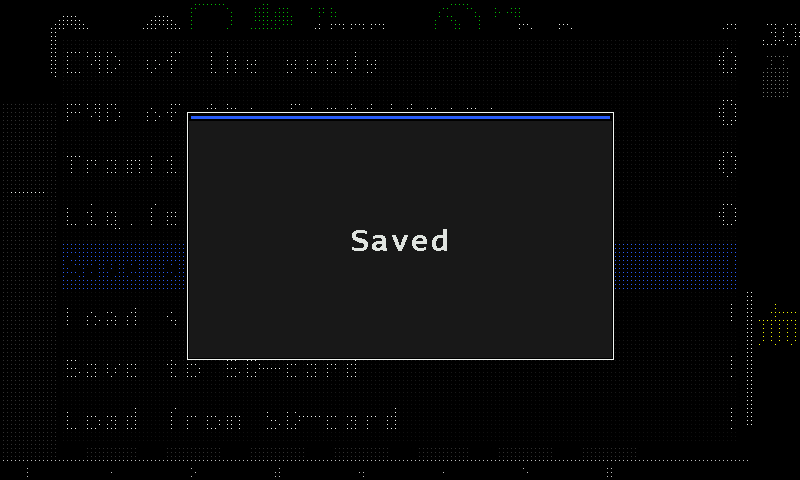
The panel confirms with “Saved”.
If there is no copy to bring back, “Load settings” ends with “FAILURE” in a red window.
Write the profile to the memory card
Tap “Save to SD-card” twice. There is no question: the panel writes the profile and answers “Saved”. If the card cannot be written, it answers “FAILURE”; if the card has gone, “FAILURE” and “Insert SD-card”.
- The files are named automatically, P0001.pfl and onwards, in the PROFILES folder of the card.
- Keep the card for its own panel: a profile file written by one firmware version is very likely not readable by another.
The list of profiles on the card
“Load from SD-card” opens a list of the profile files found on the card. A file the panel cannot read is shown in red. A tap with three fingers closes the list. With no profile files on the card, the item answers “FAILURE”.
Something your machine does that this page does not answer? Write to support@agriwelt.com — an engineer answers.