User is Agronomist: alarms will not be shown
Why the panel warns that alarms are hidden, and how to get them back by touch.
How the window works: How alarms work.
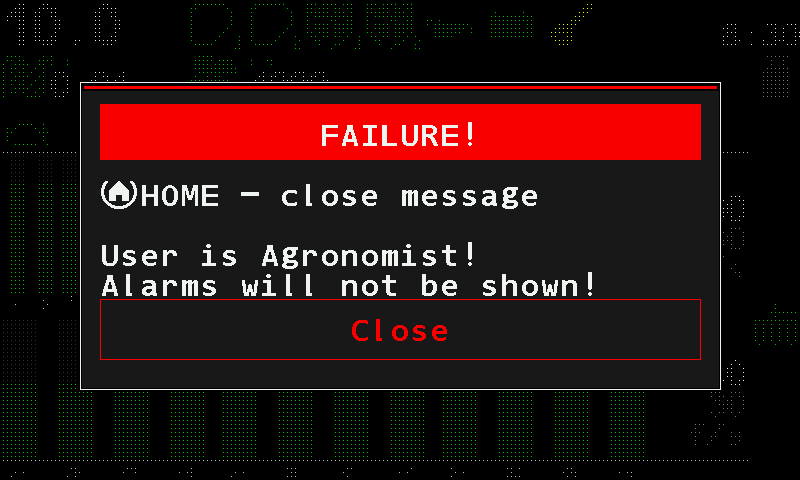
“User is Agronomist!” / “Alarms will not be shown!”
What it means. Seeding has started while the “Agronomist” or “Service” access level is set. At these levels the panel does not show alarm windows; this warning is the only exception. It appears once for the whole time you work at that level. Like every alarm of the panel itself, its text starts with the line “HOME - close message”; close it with “Close”.
What to do: set the access level back to “Operator”:
Tap “Close” in the warning.
Tap the home screen with two fingers, then tap “Settings” twice.
Swipe up to “User” and tap it. Swipe left until it reads “Operator”.
Tap “User” again. Going down a level needs no PIN.
Switching the panel off and on does the same: after every power-on the panel starts at “Operator”.
Something your machine does that this page does not answer? Write to support@agriwelt.com — an engineer answers.