Start here
The panel and its touch screen
What the Hectare 5 panel is made of from the operator's side — a touch screen without buttons — and what else is built into it.
The Hectare 5 has no buttons. Everything is done with the fingers on the screen: taps, touch-and-hold, swipes, and taps with two or three fingers. What each gesture does on each screen is in Touch zones and gestures.
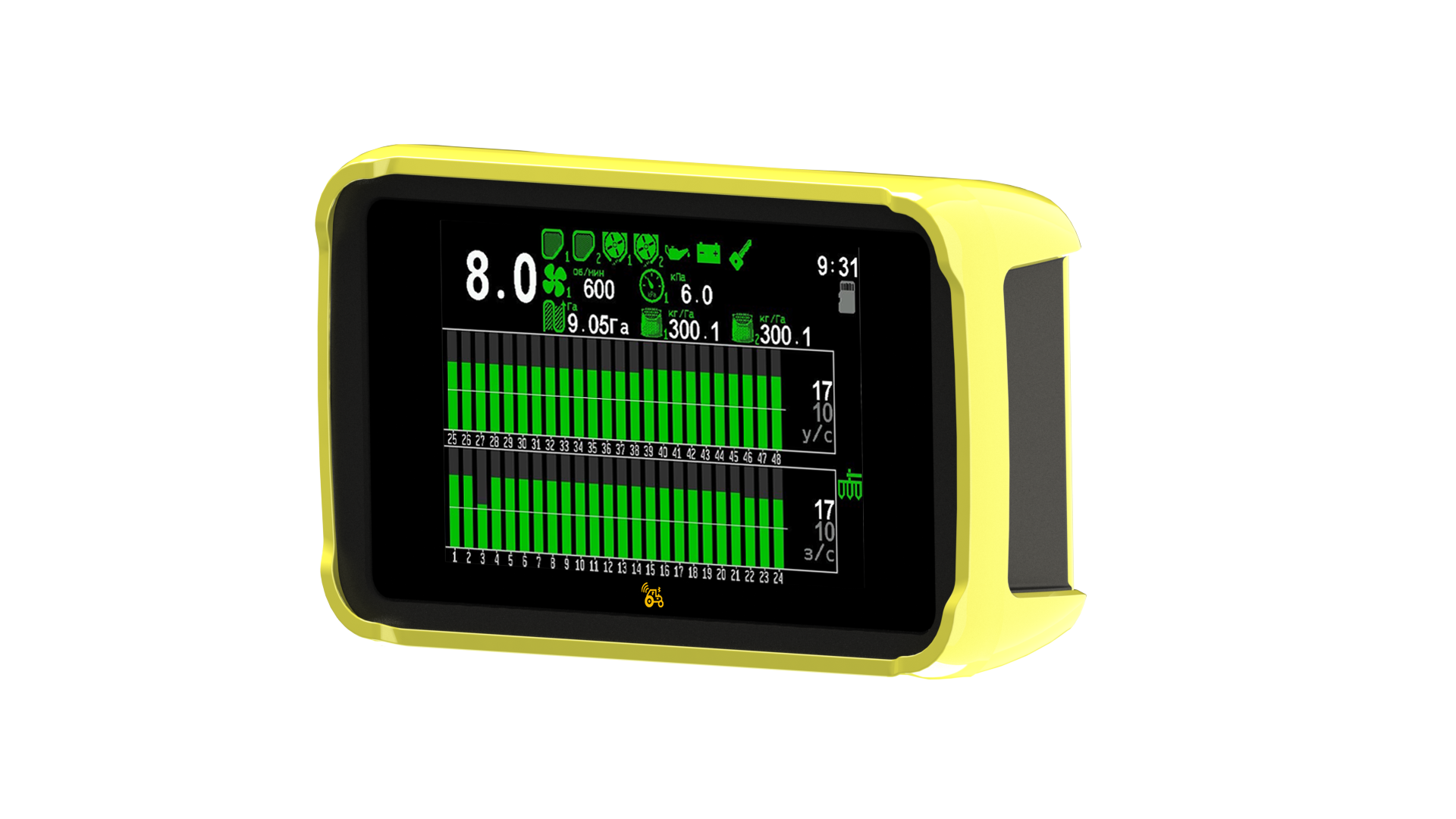
The screen
- 800 × 480 colour screen with a touch surface. It recognises up to three fingers at once — which is how the panel tells a tap from a two-finger or a three-finger tap.
- Brightness is set by hand, in steps of 10 %, in the Settings menu. There is no automatic brightness. See Set the screen brightness.
- Sound. The panel clicks on every touch it recognises, if “Buttons sound” is set to “Yes” in the Settings menu. A gesture that the screen in front of you does not use gives no click. Alarms have their own sound, and the panel beeps when seeding starts and stops.
Built into the panel
| Part | What you see of it |
|---|---|
| microSD card slot | A card symbol on the home screen while a card is ready. Reports are written to the card. See Memory card. |
| Clock with its own battery | The time of day at the top right of the home screen. A weak clock battery shows as BAT. See Clock. |
| GPS receiver | A satellite symbol in the right-hand column of the home screen, with the number of satellites. It can serve as the speed source. See GPS. |
How the screens, menus and windows work: Menus, context menus, number pad and windows.
Something your machine does that this page does not answer? Write to support@agriwelt.com — an engineer answers.